> For the complete documentation index, see [llms.txt](https://docs.amesa.com/llms.txt). Markdown versions of documentation pages are available by appending `.md` to page URLs; this page is available as [Markdown](https://docs.amesa.com/getting-started.md).
# Get Started
## Choose the Right Workflow
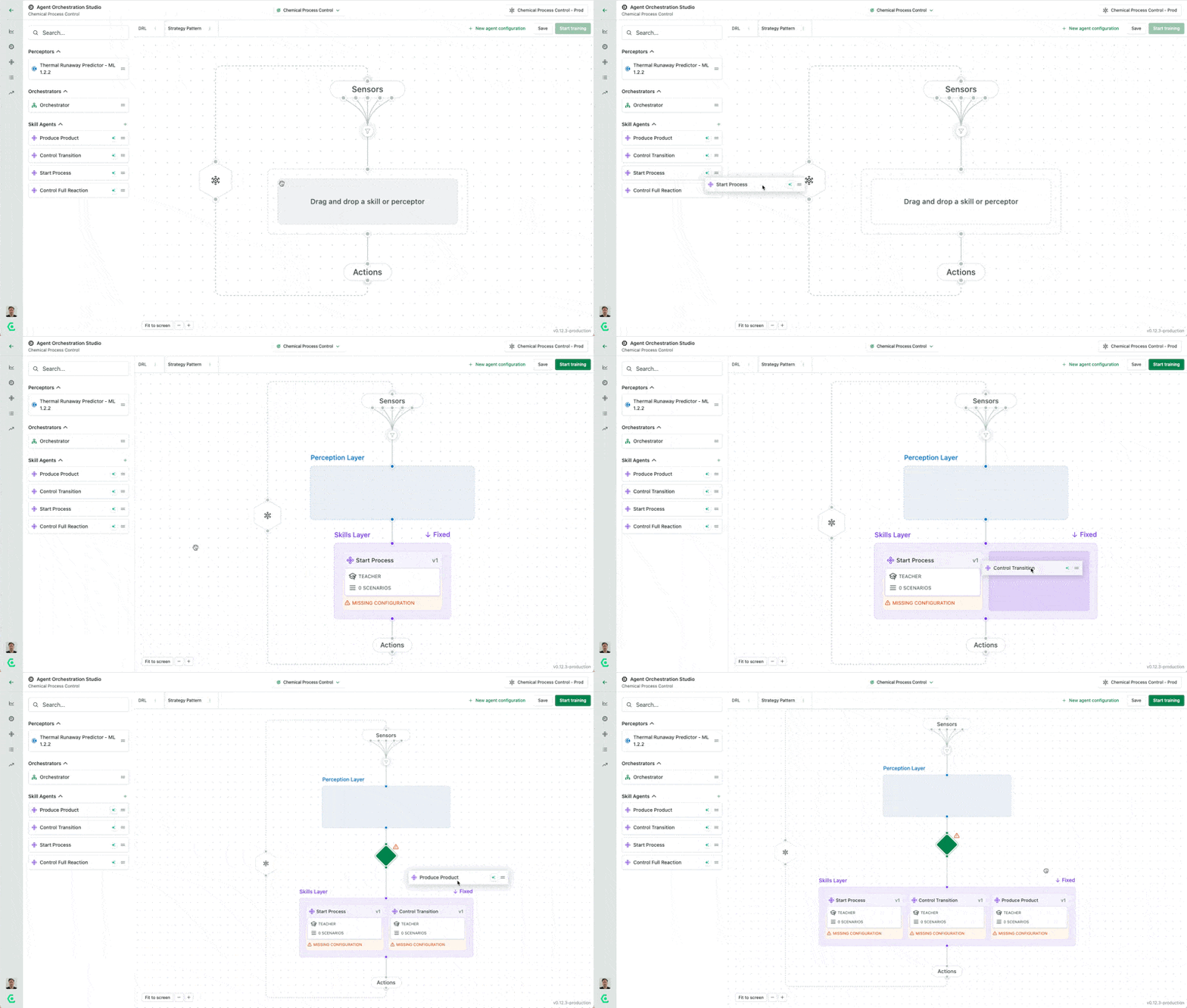
AMESA is a two-part platform with a no-code UI and a Python Agent Training Library. The interplay of these parts gives AMESA its combination of usability and power.
The two parts enable teams to work together effectively. People and roles who primarily use code, such as data scientists and controls engineers, use the Agent Training Library to create modules like ML models and deep reinforcement learning skills and publish them to the UI. Then, subject matter experts, process engineers, and others can use the no-code interface to easily create teams of agents from these modular building blocks and train them to succeed. Coding agents can also write agents and other components and publish them to the Agent Orchestration Studio using the AMESA Autonomy MCP server.
We designed the platform this way because, for complex, high-value processes, there will be some tasks that can only be done through coding, and some team members who prefer to work in code, and other tasks that are better performed through a visual interface. Both parts of the platform work together.
Most users use both parts of the platform to some extent but spend more time in the no-code UI or the SDK, depending on their expertise and role. How you will use the platform depends on your role and what part of the process you are working on.
## Access AMESA
You can access AMESA Via a no-code UI and a Python Agent Training Library. They work together to enable you to build, train, and deploy autonomous agent systems.
### No-Code UI
Access the Agent Orchestration Studio at app.amesa.com. Login with your credentials.
### Python CLI Installation
**Installing the Agent Training Library**
```bash
pip install -U amesa
```
**Development**
```bash
pip install -U amesa-dev
```
> Note: The AMESA CLI and Agent Training Library require Python version 3.10.x
{% embed url="" %}
### AMESA Autonomy MCP Server
AMESA is designed to work with any coding agent of your choice, including Claude, Cursor, Codex, and GitHub Copilot, letting you build autonomy directly from natural language. As your coding agents work, they can access AMESA documentation to help them successfully build skills, perceptors, and selectors. With the MCP server, your agents can also publish directly into your use cases on the AMESA platform, removing the need for a separate manual publishing step.
To get started, install the MCP server in your platform of choice — all major coding agent platforms are supported, including Claude and Cursor. You can configure the connection either by providing the MCP URL along with its communication method (http), or by supplying an `.mcp.json` file that describes both.
{% file src="/files/hUmeZ60jgoqYxqdO3wSz" %}
Once installed, invoke the MCP server using the `/mcp` command.
If you're using GitHub Copilot specifically, install from [the `amesa-agents` repo](https://github.com/Composabl/amesa-agents/tree/main) instead, which lets you take advantage of AMESA's pre-configured agents out of the box.
---
# Agent Instructions
This documentation is published with GitBook. GitBook is the documentation platform designed so that both humans and AI agents can read, navigate, and reason over technical content effectively. Learn more at gitbook.com.
## Querying This Documentation
If you need additional information that is not directly available in this page, you can query the documentation dynamically by asking a question.
Perform an HTTP GET request on the current page URL with the `ask` query parameter, and the optional `goal` query parameter:
```
GET https://docs.amesa.com/getting-started.md?ask=&goal=
```
`ask` is the immediate question: it should be specific, self-contained, and written in natural language.
`goal` is optional and describes the broader end goal you are ultimately trying to accomplish on behalf of the user. GitBook uses it to tailor the answer towards what is most useful for that goal.
The response will contain a direct answer to the question and relevant excerpts and sources from the documentation.
Use this mechanism when the answer is not explicitly present in the current page, you need clarification or additional context, or you want to retrieve related documentation sections.